


4K/1080P Indoor HDTV Antenna ✦ 120-Mile 360° Signal Booster
4K/1080P Indoor HDTV Antenna ✦ 120-Mile 360° Signal Booster
Couldn't load pickup availability
4 K / 1080 P HDTV Indoor Antenna – FREE Local Channels, 360-Degree Reception
Cut the Cable – Watch ABC, CBS, NBC, FOX, PBS & More for $0
No contracts, no monthly bills. Enjoy live news, sports, sitcoms and kids’ programming in crystal-clear Full HD straight from the broadcast tower.
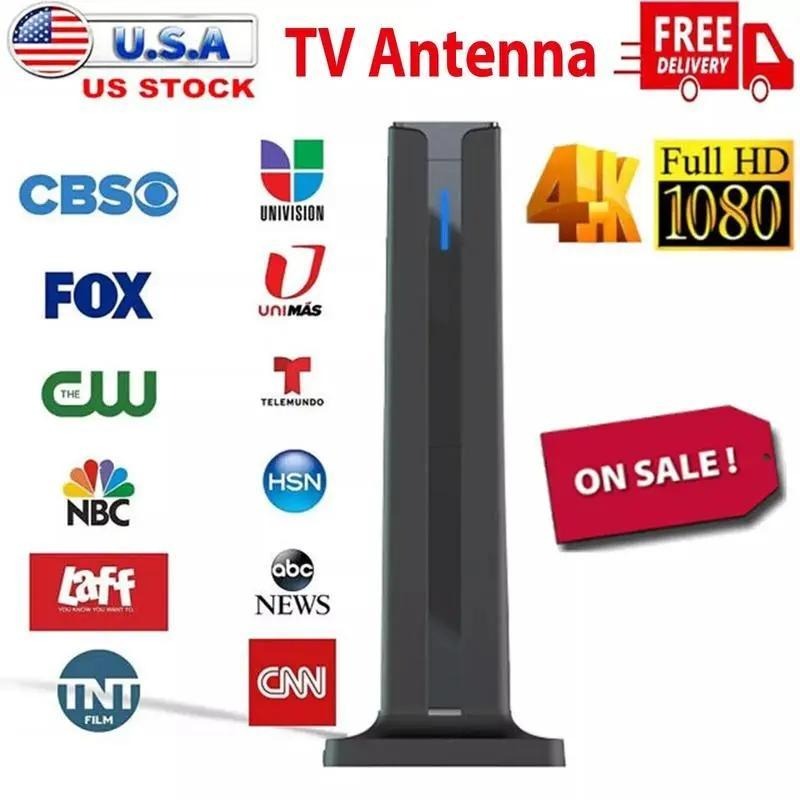
2025 Smart-IC ➟ 360° Long-Range Reception (≈ 120 mi)
Up-graded chip filters out 4 G/LTE noise while locking onto VHF 87-230 MHz & UHF 470-860 MHz signals from any direction. Just set it on a shelf or stick it to a window and let the antenna do the hunting.
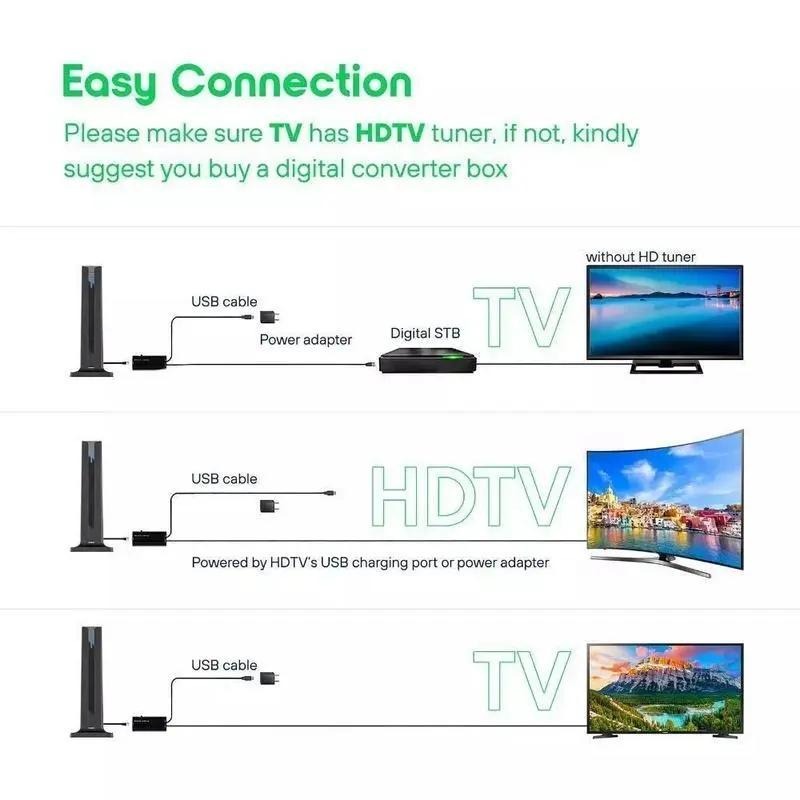
Plug-&-Play in 3 Easy Steps
① Connect coax to the TV’s “ANT/CABLE-IN”.
② Power the inline amplifier from any USB port.
③ Run “CHANNEL SCAN” – done! Built-in LEDs let you verify power at a glance.
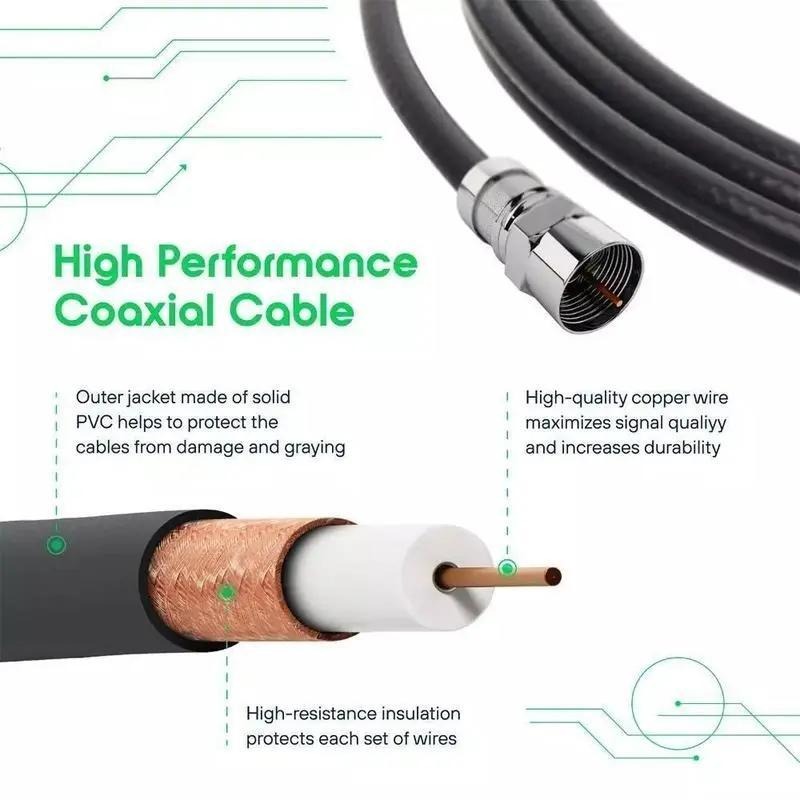
Premium 16 ft High-Performance Coax
Pure-copper core + triple shielding cuts signal-loss by 50 % versus cheap cable, so you can park the antenna in the sweet spot without rearranging the furniture.
Slim Tower Design Fits Anywhere
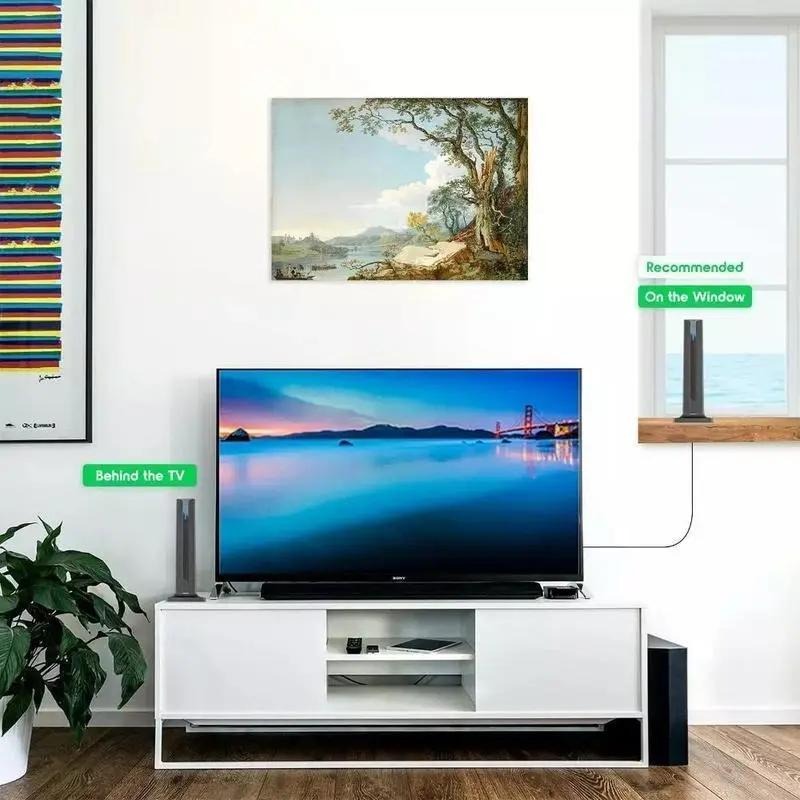
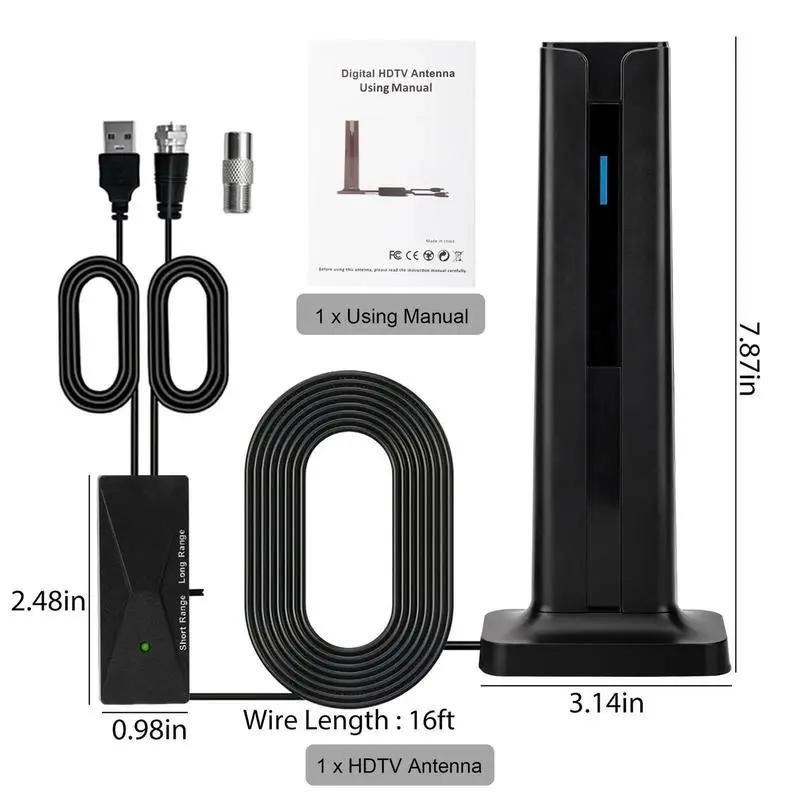
Only 7.87 in × 3.14 in; stand it behind the TV, on the console, or suction it to a window – zero wall damage, zero visual clutter.
🔧 Tech Specs
| Receive Range | ~120 mi (line of sight) |
| Frequencies | VHF 87–230 MHz / UHF 470–860 MHz |
| Supported Resolutions | 4 K, 1080 P, 1080 i, 720 P |
| Antenna Size | 7.87 in H × 3.14 in W × 0.98 in D |
| Amplifier Modes | Short-Range / Long-Range switch |
| Coax Length | 16 ft (4.9 m) detachable |
| Power | USB 5 V ⎓ (TV port or adapter) |
| In-Box | Antenna ×1, USB-powered amp ×1, F-type adapter ×1, Manual ×1 |
💬 FAQ
Q1 · My TV shows “No Signal” – what do I do?
A1 · Make sure the TV is in “AIR/ANTENNA” mode, then run “Channel Scan”. Move the antenna near a window and rescan if necessary.
Q2 · Does my set need a tuner?
A2 · All HDTVs sold after 2007 include an ATSC tuner. If yours doesn’t, connect any digital-to-analog converter box between the antenna and TV.
Q3 · Will it work in the basement?
A3 · Reception drops behind concrete or metal. Place the antenna on the highest interior shelf or against a window for best results.
Q4 · How often should I rescan channels?
A4 · Stations add new sub-channels all the time. Run a fresh scan every month or whenever you reposition the antenna.


